Bulk outbound voice campaigns: from CSV to 1,000 calls in an hour
How to run an outbound voice AI campaign at scale — CSV upload, retry rules, post-call data extraction, and the cost math that makes it work. Live and dialing in under 30 minutes.
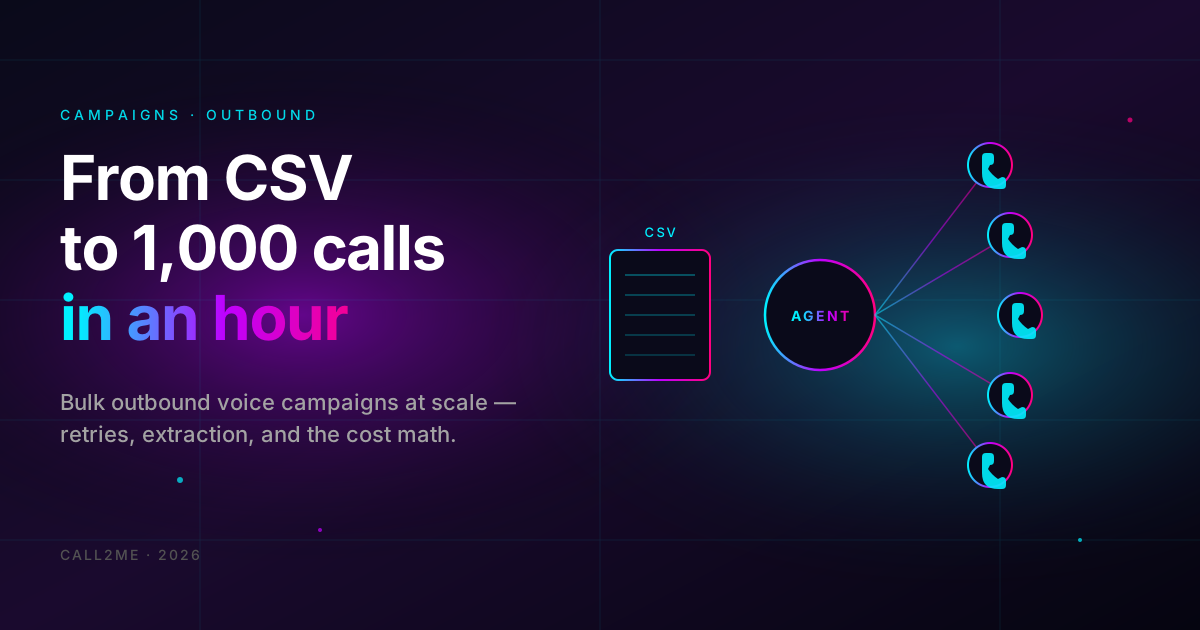
Inbound voice agents are the easy sell — phone rings, agent picks up, customer gets served. Outbound is the part most platforms either skip or charge enterprise prices for. It's also where the ROI gets ridiculous.
This guide is about running a real outbound campaign on Call2Me: load a CSV of 1,000 contacts, set retry rules, watch the campaign dial through them, and pull structured data out of every conversation. End to end in under 30 minutes.
- Sales teams qualifying leads at the top of the funnel.
- Real estate agents following up on listings.
- Clinics confirming next-week appointments.
- E-commerce shops re-engaging cart abandoners by phone.
- Anyone with a list of phone numbers and a script.
What outbound campaigns actually are
A campaign is a list of phone numbers paired with a voice agent. The platform calls the numbers on your schedule, runs the agent's script on each call, retries the ones that didn't connect, and writes the outcome of each call to a structured record you can export.
Three moving parts on Call2Me:
- The agent — same one you'd use for inbound. The agent's system prompt is what gets spoken (or rather, what guides the LLM that speaks).
- The list — a CSV with
phoneand any custom variables you want (first_name,appointment_date,loan_amount, whatever). Variables get interpolated into the prompt. - The campaign config — how many concurrent calls, what hours to dial in, how many retries, how long to wait between retries.
Setting it up, 25 minutes
Step 1 — Build the agent (5 min)
Same wizard as the restaurant guide. Pick "Outbound caller" or "Sales qualifier" depending on the use case. The system prompt for outbound is fundamentally different from inbound:
You are calling [Lead Name] on behalf of [Company]. The reason for the call:
[short reason — keep it under 15 words].

Your job:
- Open with a one-sentence intro and a clear ask.
- If they're busy, offer to call back at a specific time and confirm.
- If they're interested, qualify them: budget, timeline, decision maker.
- If they're not interested, thank them and hang up gracefully.
- Never lie about being human. If asked, say "I'm an automated assistant
  for [Company]."

Variables you'll have access to:
- {{first_name}} — call them by this once near the start.
- {{custom_field}} — context for why we're calling.

Keep it under 90 seconds total. If they're not engaging by 30 seconds,
politely wrap up.
Step 2 — Buy a phone number (3 min)
Phone Numbers section → Buy. For outbound, use a local number in the geography you're calling — pickup rates are 2-3× higher when the area code matches the recipient's region. Telnyx supports ~70 countries and most US/UK/EU area codes.
Pro tip: don't dial out from a number you also use for your business inbound. Set up a dedicated outbound number, otherwise spam-flagging from the outbound calls hurts your inbound deliverability.
Step 3 — Prepare the CSV (5 min)
Minimum format:
phone,first_name,custom_field
+905551112233,Ahmet,property at Bağdat Caddesi
+905551114455,Zeynep,3+1 daire in Kadıköy
+905551116677,Mehmet,villa in Beykoz
Variables you put in column headers become available as {{column_name}} inside
the system prompt. The platform interpolates per-call.
Format requirements:
- Phone numbers in E.164 (
+90551..., not0551...). - UTF-8 encoded (Excel will sometimes save as cp1254 — re-save as CSV UTF-8).
- One row per call. Duplicates get called once (deduped by E.164).
Step 4 — Create the campaign (5 min)
Campaigns page → New Campaign. You'll fill in:
- Name — for your records.
- Agent — pick the one from Step 1.
- From number — the one from Step 2.
- Contact list — upload the CSV.
- Concurrency — how many calls to run in parallel. Start with 5.
- Schedule window — what hours to dial in (e.g. 09:00–18:00 local time). The platform respects this; calls queued outside the window wait.
- Retry policy — how many retries on no-answer/busy/voicemail, and how long to wait between them. Reasonable defaults: 2 retries, 4 hours apart.
Hit Create. Hit Start. The campaign begins dialing.
Step 5 — Watch the dashboard (live)
Each call shows up in real time on the campaign detail page. You'll see:
- Status — queued / dialing / answered / failed / completed.
- Duration — how long the answered ones lasted.
- Outcome — derived from the conversation (more on this below).
- Recording — playable inline if you turned recording on.
The killer feature: post-call data extraction
A campaign isn't useful if the only output is "1,000 calls happened." You want structured data out of every conversation — who's interested, who's not, what their objection was, when to follow up.
On AgentDetail → Post-Call Data Extraction, define the fields:
- name: interested
  type: boolean
  prompt: "Did the contact express interest in scheduling a follow-up?"

- name: callback_time
  type: string
  prompt: "If they asked us to call back, what date/time did they suggest? Empty if they didn't."

- name: objection
  type: enum
  values: [price, timing, not_decision_maker, not_interested, none]
  prompt: "What was their main objection, if any?"

- name: notes
  type: string
  prompt: "Any specific details from the conversation worth saving."
After each call, an LLM reads the transcript and fills in those fields. They get attached to the call record as JSON. Export the whole campaign to CSV at the end and you have a sales-team-ready list.
The transcript is what happened. The extracted fields are what matters. The difference is the entire reason outbound voice AI works at scale.
Cost math: $200 to dial 1,000 contacts
Real numbers from a 1,000-contact campaign with typical industry rates:
| Item | Cost | Notes |
|---|---|---|
| Connect rate | ~30% | 300 actual conversations |
| Avg answered call | 75 sec | Short outbound script |
| Avg no-answer | 6 sec ring | Counts as 0 voice minutes |
| Voice minutes total | 375 min | (300 × 75 sec) ÷ 60 |
| Voice base @ $0.10/min | $37.50 | |
| Telephony @ $0.05/min | $18.75 | |
| Recording @ $0.05/min (optional) | $18.75 | |
| Total for 1,000 dials | ~$75 | Without recording: $56 |
A human SDR doing the same volume: 1,000 dials × ~3 min (dial + leave voicemail) = 50 hours @ $25/hr = $1,250. And the LLM extraction gives you cleaner data than the human's CRM notes.
Compliance: the boring but important part
Three things to know before you point a campaign at real people:
- You need consent. TCPA in the US, KVKK in Turkey, GDPR in EU — you can call people who opted in. Cold-calling random numbers is a fast track to a fine. The platform doesn't enforce this for you.
- Disclose the AI. Most jurisdictions now require disclosure that the caller is automated. Bake it into the system prompt's opening line.
- Set quiet hours. Use the campaign's schedule window. Don't dial outside 8:00–21:00 local time even if you legally could.
Common mistakes
- Dialing too aggressively. Concurrency 50+ on day one → telco fraud detection kicks in and starts blocking your number. Ramp slowly.
- Skipping the test campaign. Always run on 10 of your own numbers first before pointing it at the customer list.
- Leaving voicemails default-off. Voicemail detection is on by default, but configure what the agent does when it hits one. Either leave a 15-second scripted message or hang up — both are valid choices.
- No callback handoff. "Call me Tuesday at 3" is an ask. Turn on the webhook so callback requests POST to your CRM in real time.
When outbound voice AI doesn't work
Honest cases where this is the wrong tool:
- High-stakes B2B sales. Six-figure deals don't get qualified by an AI cold-caller. Use the AI for warm leads, not pure cold.
- Highly regulated industries with scripted disclosures (insurance, pharma). The agent will get the script approximately right, which isn't good enough.
- Languages with thin TTS coverage. The 9 supported languages are great; the long tail isn't there yet.
Ready to run a campaign?
Sign up, upload a CSV, watch a thousand calls happen.