Voice agent prompts are not chat prompts: 7 patterns that work
The system prompt that crushed your chat agent will tank your voice agent. Here's why — and the seven concrete patterns that turn a chat-shaped prompt into a voice-shaped one.
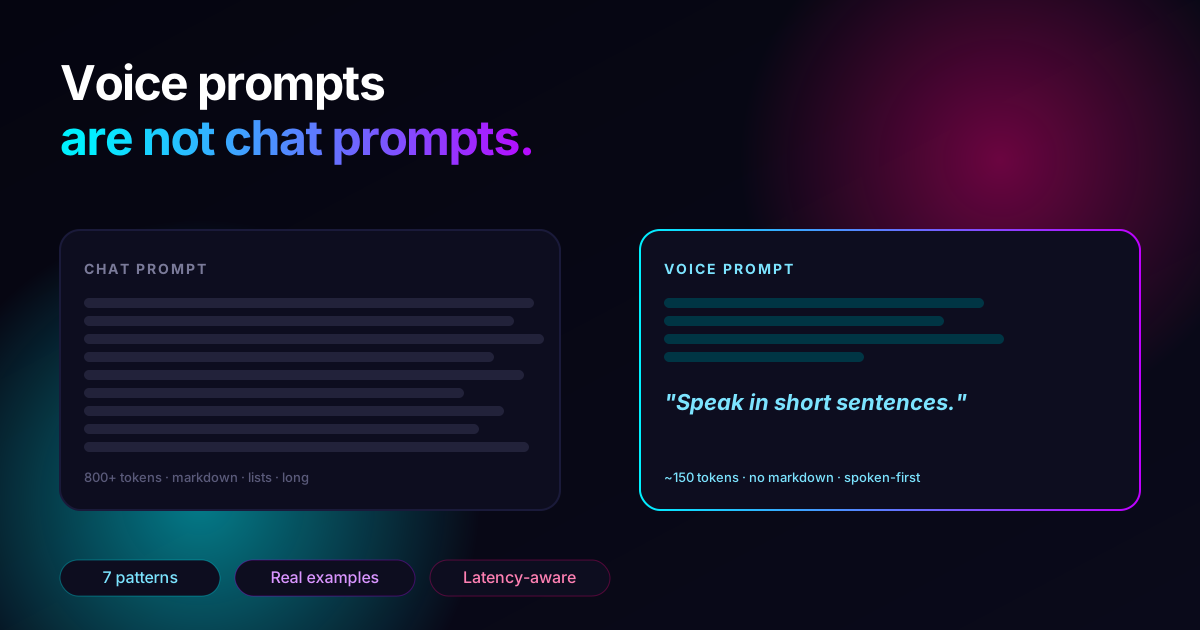
You write a great system prompt. It crushes on the chat tab. You paste it into your voice agent, dial in, and… it answers in a polite three-paragraph essay read out loud, complete with the words "asterisk asterisk important asterisk asterisk" because your bullet points came through verbatim.
Voice is not chat with a microphone. The constraints are different and the prompts have to be different. Here are the seven patterns we apply to every voice agent prompt before it goes live.
If you'd rather just see the finished prompt template instead of reasoning through it, skip to the template at the bottom. There's also a literal walk-through of building a restaurant voice agent in our 10-minute setup guide.
Why the constraints are different
A chat reply is read with eyes. A voice reply is heard with ears. That single shift drives every difference that follows:
- The reader controls the pace; the listener doesn't.
- The reader can re-read; the listener can't.
- The reader skims; the listener waits for the end.
- The reader sees structure; the listener has to hear structure.
- The reader tolerates 800ms latency; the listener feels it.
Every pattern below is downstream of one of those shifts.
Pattern 1 — "Speak in short sentences."
This is the single line that gets the most mileage. The default voice of an LLM is essay-length. On screen, that's fine; on a call, it's torture.
Add this near the top of your system prompt:
"You are speaking, not writing. Use short sentences — usually under fifteen words. Never paragraphs."
You will be amazed how much it changes. The model goes from delivering monologues to delivering exchanges, which is what an actual phone conversation sounds like.
Pattern 2 — Ban the markdown explicitly
LLMs reach for markdown by default because they were trained to. On a phone, the TTS engine reads it out as characters. "Asterisk asterisk warning asterisk asterisk" is a sentence no human ever wants to hear.
"You are speaking, not writing. Never use markdown formatting: no bullet points, no numbered lists, no asterisks, no headings, no code fences, no URLs. If you want to emphasize something, raise your voice with words."
This is one of those prompts where being heavy-handed is correct. The cost of overspecifying is zero; the cost of one stray bullet point is a broken-sounding call.
Pattern 3 — Spell out numbers, dates, and times the way a human says them
TTS engines vary on how they pronounce raw numerals. Some say "one zero six" for 106; some say one hundred and six. Dates are even worse — 2026-05-06 gets pronounced character by character on at least two of the major engines.
"When you mention numbers, dates, prices, or times, write them as they would be spoken aloud. 'Tomorrow at three thirty in the afternoon' — not '15:30 on 2026-05-07'. 'Two hundred and fifty euros' — not '€250'."
This one is invisible until a real call exposes it. If you skip it, your agent will sound robotic for exactly the moments — prices, times, room numbers — when sounding human matters most.
Pattern 4 — Give it permission to interrupt itself
In real conversation, people stop mid-sentence when they realize they've gone the wrong direction. LLMs trained on chat don't naturally do this — they finish their thought even when the listener is clearly trying to talk over them.
Modern voice agent stacks (Call2Me included — see the voice docs) handle the actual interruption mechanic through VAD: when the caller starts talking, the agent's TTS stops. But the prompt still has to give the agent permission to be brief and to pause:
"If the caller starts speaking, stop. Don't try to finish the sentence you were on. When in doubt, say less."
Pattern 5 — One question at a time
A common chat pattern is to bundle three questions into one helpful response. On a phone, this lands like an interrogation and the caller answers only one of them.
"When you need information, ask for one piece at a time. Wait for the answer before asking the next thing."
This pairs with Pattern 1: short turns, single question, real conversation.
Pattern 6 — Keep persona claims plausible
A chat agent can call itself "your AI assistant" and nobody flinches. On a phone, the caller's first question is often "is this a real person?" — and how you answer matters legally in some jurisdictions and ethically everywhere.
"If anyone asks whether you are a person, tell them you are an AI assistant for [company name]. Never claim to be human. Be cheerful about it — it's not a problem to be."
Two things to avoid in this section: do not write a backstory the agent will make up details around ("I've worked here for three years" — please no), and do not over-personify ("Hi I'm Aysel, I love helping people!"). A pleasant, honest persona ages well; a fake one breaks the second a caller asks something specific.
Pattern 7 — Tell it what to do when it doesn't know
The single most damaging thing a voice agent does is confidently make something up because the prompt didn't tell it what to do otherwise. On chat, the user can scroll back and verify; on the phone, they hang up and call your competitor.
"If you don't know the answer, say so plainly: 'I don't have that information — let me transfer you to a colleague.' Then transfer the call. Never invent prices, hours, addresses, room numbers, or names."
If you're using a knowledge base, this prompt also tells the agent that not finding the answer in the KB is a signal to escalate, not a signal to guess.
A working template
Stitch the seven patterns together and you get a system prompt that is shorter than most chat prompts and produces calls that sound like phone calls instead of chatbots reading aloud:
You are the voice assistant for [company name].
You are speaking, not writing. Use short sentences — usually under fifteen
words. Never use markdown, bullet points, or asterisks. Never read URLs.
When you mention numbers, dates, prices, or times, write them as they would
be spoken aloud — "tomorrow at three thirty," not "15:30."
If the caller starts speaking, stop. When in doubt, say less.
Ask for one piece of information at a time. Wait for the answer before
asking the next thing.
If anyone asks whether you are a person, tell them you are an AI assistant
for [company name]. Be cheerful about it.
If you don't know the answer, say "I don't have that information — let me
transfer you to a colleague," and transfer the call. Never invent prices,
hours, addresses, or names.
Your job today is: [one sentence describing the role].
That's the whole prompt. Twelve lines. The job-specific part on the last line is where you write what this agent does — book a table, qualify a lead, confirm an appointment. Everything above the last line is portable across every voice agent you'll ever ship.
What to test once it's deployed
Three calls, in this order:
- Ask the agent something it knows. Listen for short sentences and natural pacing. If it monologues, tighten Pattern 1.
- Ask the agent something it doesn't know. Listen for "I don't have that information." If it makes something up, tighten Pattern 7.
- Ask "is this a real person?" Listen for honest, friendly, brief. If it evades or claims human, tighten Pattern 6.
If those three calls pass, you're done. The remaining work is tuning the single job-specific line — and that's a product question, not a prompt question.
Spin up an agent → and paste the template above into the system prompt field. Your first $10 of usage is free — enough to make a hundred test calls and feel the difference.
Frequently asked
Q.Can I just paste my ChatGPT prompt into a voice agent?
You can, and it will mostly work for simple cases — but it will also feel slow, sound unnatural, and occasionally read out characters like asterisks. The seven patterns in this post are the minimum changes that make a chat-shaped prompt sound like a phone call instead of a chatbot reading aloud.
Q.Does prompt length really affect call latency?
Yes, but indirectly. The system prompt itself is processed once at the start of the call, so its size doesn't add per-turn latency. What does add latency is response length: a 4-sentence answer takes longer to synthesize than a 1-sentence answer. Tight prompts that ask for short answers reduce per-turn latency by reducing what TTS has to render.
Q.Should I write the prompt in the language the agent speaks?
Usually yes. Modern LLMs follow instructions equally well in most languages, but writing the prompt in the call language reduces the chance of accidentally bleeding English phrases into a Turkish or German call. The exception is multilingual agents — write the prompt in English and let the LLM translate per turn.
Q.How do I prevent the agent from reading markdown out loud?
Two layers. Tell the prompt explicitly: 'You are speaking, not writing. Never use bullet points, headings, or markdown.' Then test — most TTS engines pronounce asterisks and pound signs literally, so even one stray character makes the call sound broken.
Keep reading
All posts Guide
GuideWhat is Voice AI? A 2026 field guide
Voice AI is the layer that lets humans and machines talk in real time. Here's how it works, who it's for, what it costs — and how to ship a working agent in 5 minutes.
Apr 25, 20266 min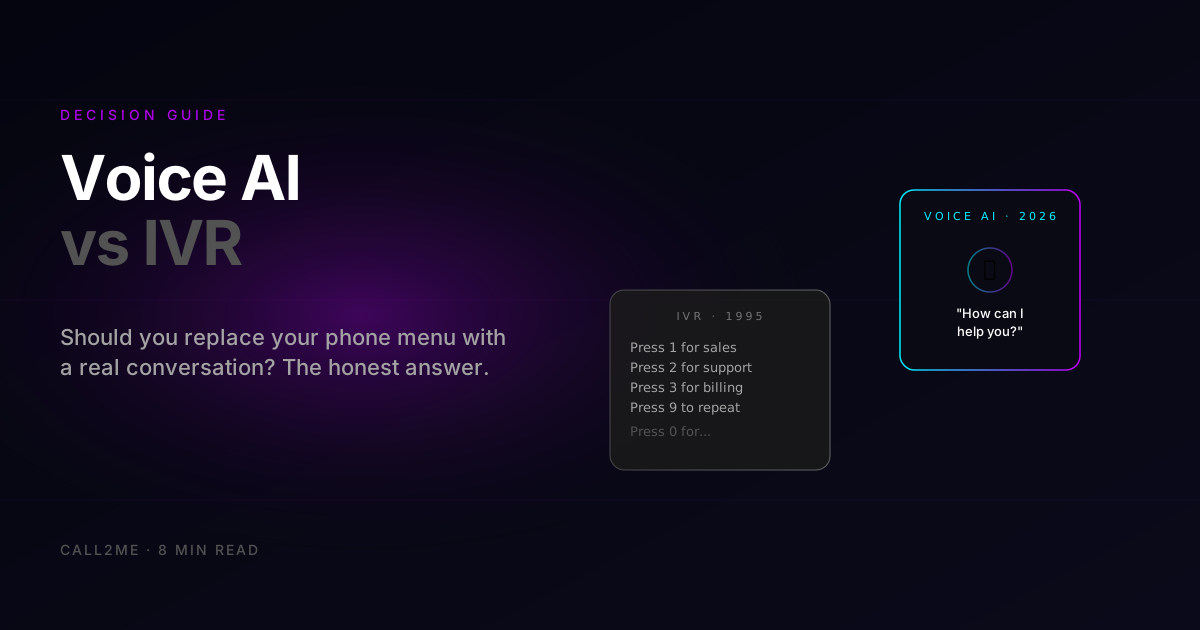 Voice AI
Voice AI vs IVR: which one should you actually use in 2026?
IVR phone menus annoy callers and lose deflection rates. Voice AI sounds human and handles the same calls for less. Here's the honest comparison — when each one still wins.
Apr 24, 20265 min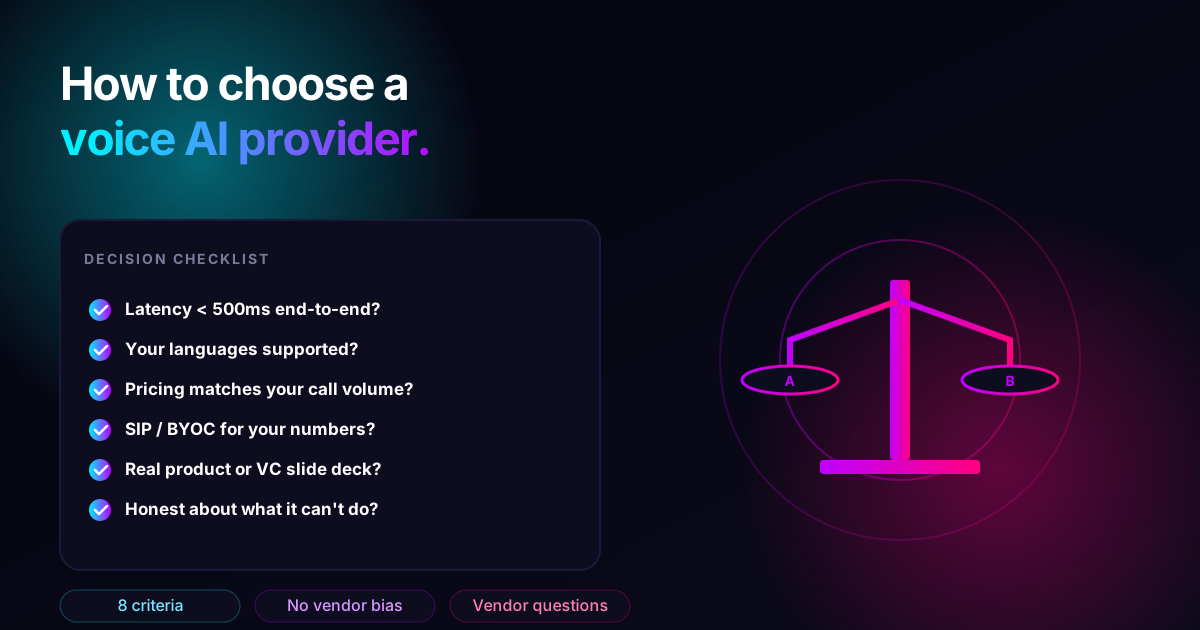 Buyer's Guide
How to choose a voice AI provider: the 8 questions that actually matter
A practical buyer's guide for picking voice AI infrastructure — eight evaluation questions, what to ask each vendor, and what answers should make you keep looking.
May 13, 20269 min