Voice AI vs IVR: why interactive voice response is dead
IVR menus lose 30–50% of callers to abandonment. Voice AI answers naturally, resolves requests in one turn, and costs less to maintain. A detailed feature comparison and migration guide.
"Press 1 for sales. Press 2 for support. Press 3 for billing. To hear these options again, press 9."
Every caller knows this script. Most of them hate it. Research from the contact center industry puts the number at 67% — two-thirds of callers will hang up when trapped in an IVR loop rather than wait for a human. For businesses that depend on phone calls — clinics, law firms, e-commerce, dealerships — every abandoned call is a lost patient, a lost client, a lost sale.
IVR was built in the 1990s to solve a real problem: routing calls without a human receptionist. It worked for its era. But the technology never evolved past "press a number, hear a menu." Meanwhile, voice AI can hold a natural conversation, understand what the caller actually wants, and resolve the request — not just route it. The gap between the two isn't incremental. It's generational.
What is IVR and why was it built?
Interactive Voice Response was designed to do one thing: sort incoming calls into buckets before a human picks up. The caller hears a menu, presses a key, and gets routed to the right department or queue. More advanced IVR systems added basic speech recognition — "say 'billing' for billing" — but the underlying model remained the same: a decision tree with fixed branches.
IVR was revolutionary in the 1990s because the alternative was a human operator answering every call and manually transferring it. For a business receiving hundreds or thousands of calls per day, IVR cut receptionist costs dramatically.
The problem is that IVR was never designed to resolve anything. It routes. Once the caller reaches the end of the menu tree, they're still waiting in a queue for a human agent. And if their request doesn't fit neatly into one of the pre-defined menu options — which happens more often than businesses admit — they're stuck pressing 0 repeatedly or shouting "representative" at a system that wasn't built to understand them.
The 5 biggest problems with IVR
1. Caller frustration and abandonment
The average caller spends 2 minutes navigating an IVR menu before reaching a human or giving up. That doesn't sound like much until you consider that the caller already knows what they want — they just can't communicate it to the system. The frustration is structural: IVR forces the caller to translate their natural request ("I need to reschedule my appointment from Thursday to Friday") into a series of button presses that may not map to their actual need.
Abandonment rates for IVR systems run 30–50%. For after-hours calls where the IVR can't route to anyone, the rate approaches 80%. Every abandoned call is a caller who chose to go elsewhere rather than fight the menu.
2. Rigid menu structures
Adding a new option to an IVR tree means re-recording prompts, re-programming logic, and testing the entire flow. Most businesses avoid touching their IVR because the change process is slow and expensive. The result is menu trees that haven't been updated in years, with options that no longer reflect how the business actually operates.
A seasonal promotion, a new product line, a temporary office closure — none of these can be added to an IVR quickly. By the time the menu is updated, the need has often passed.
3. No natural language understanding
Even IVR systems with "speech recognition" understand only a handful of keywords mapped to menu options. They don't understand context, intent, or follow-up questions. "I want to check if my order shipped" and "where's my package" are the same request, but an IVR treats them as unrecognized input unless both exact phrases are programmed.
This limitation creates a bizarre dynamic: the caller has to figure out which words the machine understands, rather than the machine figuring out what the caller means. It's the only customer-facing technology that works this way. Nobody would accept a website where you had to guess the right button label to click.
4. Expensive to maintain
IVR systems require specialized configuration — often through a vendor or systems integrator — for any change beyond the trivial. Licensing fees, maintenance contracts, and telecom charges add up. A mid-size IVR deployment costs $1,000–$3,000/month in ongoing expenses, and that's before counting the engineering time for any modifications.
Hardware-based IVR systems carry additional costs: port licenses (each concurrent call requires a port), server maintenance, and eventual hardware replacement cycles. Cloud-hosted IVR reduces some of this, but the fundamental rigidity remains.
5. Zero resolution capability
This is the core issue: IVR doesn't resolve anything. It's a routing layer. The caller navigates the menu, waits in a queue, and then explains their issue to a human agent — often repeating information they already provided to the IVR. The system adds friction without adding value.
Compare this to what callers actually want: "I need to move my appointment to Friday afternoon." An IVR can't do that. It can route the caller to the scheduling department, where they'll wait on hold and then make the change with a person. The total interaction takes 5–8 minutes. A voice AI agent can do it in 45 seconds.
IVR forces callers to translate their natural request into button presses. Voice AI lets them just say what they need.
How voice AI is different
Voice AI replaces the decision tree with a conversation. Instead of playing menus and waiting for keypad input, the system listens to what the caller says, understands the intent, and acts on it.
Natural conversation — the caller speaks normally. "Hi, I need to cancel my appointment tomorrow and rebook for next week." The AI parses the intent (cancel + rebook), identifies the relevant details (tomorrow's appointment, next week's preference), and executes both actions in a single turn.
Intent understanding — voice AI doesn't match keywords to menu options. It uses large language models to understand meaning, even when the caller phrases things in unexpected ways. "I think my bill is wrong" and "you guys overcharged me" and "the amount on my statement doesn't look right" all map to the same intent: billing dispute.
Backend integration — the AI connects to your CRM, scheduling system, order database, or any API-accessible system. It doesn't just route the caller to someone who can look up their information — it looks up the information itself. "Your order #4821 shipped yesterday, tracking number ending in 7293, estimated delivery is Thursday."
Learning and adaptation — voice AI improves over time. Call recordings and transcripts reveal patterns: common questions the knowledge base doesn't cover, phrasings that cause confusion, points where callers tend to ask for a human. Each insight makes the next iteration better. IVR, by contrast, is exactly as good on day 1,000 as it was on day 1.
Multilingual by default — modern voice AI supports dozens of languages with natural-sounding speech, switchable mid-call if needed. Adding a new language to an IVR means recording an entirely new set of prompts and rebuilding the menu tree. Adding a language to voice AI is a configuration change.
Feature-by-feature comparison
| Feature | IVR | Voice AI |
|---|---|---|
| Setup time | 2–8 weeks (vendor-dependent) | Hours to days |
| Monthly cost | $1,000–$5,000+ (licensing, ports, maintenance) | $0.10–$0.30/min (usage-based) |
| Languages | 1–3 (each requires full re-recording) | 30+ (configuration change) |
| Customization | Vendor/integrator required for changes | Self-service, update anytime |
| Natural language | Keyword matching at best | Full conversational understanding |
| Resolution capability | None — routing only | Can resolve requests end-to-end |
| Analytics | Basic (calls per menu option) | Full transcripts, intent analysis, sentiment |
| Integration | Complex, often requires middleware | REST API / webhooks, direct CRM connection |
| Customer satisfaction | Low (30–50% abandonment) | High (sub-5% abandonment on resolved calls) |
| Scalability | Limited by port licenses | Unlimited (cloud-native) |
| After-hours | Menu plays, no resolution | Full service, same as business hours |
| Update frequency | Quarterly at best | Continuous (knowledge base updates instantly) |
The comparison isn't close. IVR wins on exactly one dimension: simplicity of the underlying technology. Everything that matters to callers and to the business favors voice AI.
If you're evaluating voice AI providers to replace your IVR, our comparison page benchmarks the major platforms on latency, pricing, language support, and integration depth. For a detailed evaluation framework, read how to choose a voice AI provider.
When to keep IVR (if ever)
There are a small number of scenarios where IVR still makes sense — but the list is shrinking.
Extremely simple, high-volume routing where the menu has 2–3 options and the caller base is accustomed to it. Example: a utility company where 90% of calls are either "report an outage" or "pay my bill" and the IVR routes to dedicated automated systems for each.
Regulatory environments where every word spoken to a caller must be pre-approved and recorded exactly as scripted. Some financial services and healthcare compliance frameworks require this level of control — though voice AI platforms are increasingly meeting these requirements with prompt engineering and compliance guardrails.
Legacy infrastructure where the phone system is deeply integrated with the IVR and replacing it requires a full telecom overhaul. This is a valid short-term constraint, not a long-term strategy. SIP trunking now makes it possible to layer voice AI on top of existing PBX infrastructure without a rip-and-replace.
Even in these cases, the trend is clear. Voice AI platforms are adding compliance features, IVR-style fallback modes, and SIP integration specifically to capture these holdout segments. The window where IVR is the better choice is closing.
How to migrate from IVR to voice AI
The migration is less painful than most businesses expect. Here's the step-by-step:
Step 1 — Audit your current call flows
Document every branch of your IVR tree. For each menu option, record:
- What percentage of calls go to this option
- What happens after the caller selects it (queue, voicemail, another menu, external transfer)
- Average wait time in the queue
- Resolution rate (does the caller's issue actually get resolved?)
This audit usually reveals that 3–5 menu options account for 80%+ of call volume, and several options are rarely used. It also reveals how many callers are pressing 0 to bypass the menu entirely — that number is your frustration index.
Step 2 — Map IVR branches to AI agent capabilities
For each high-volume call type, define what the voice AI agent needs to handle it:
- Information lookup (hours, location, pricing) → knowledge base entry
- Appointment scheduling → calendar system integration
- Order status → order management API connection
- Basic routing → transfer rules with context passing
- Complaint or escalation → human handoff with transcript
The goal is not to replicate the IVR tree in AI form — it's to eliminate the tree entirely. Instead of "press 1 for appointments," the caller says "I need an appointment" and the AI handles it directly.
Step 3 — Deploy in parallel
Run the voice AI alongside your existing IVR for 1–2 weeks. Route a percentage of calls (start with 10–20%) to the AI agent while the rest continue through the IVR. Compare:
- Resolution rate (AI vs IVR + human agent)
- Average handle time
- Caller satisfaction (post-call survey or sentiment analysis)
- Escalation rate
In nearly every deployment, the AI outperforms the IVR on all four metrics within the first week. The parallel period isn't about proving the AI works — it's about tuning the knowledge base and escalation rules before going to 100%.
Step 4 — Cut over and decommission
Once the AI is handling its call share reliably, route all calls through it. Keep your human agents available for escalations, but remove the IVR from the call flow entirely. The callers won't miss it.
Decommission the IVR system, cancel the licensing and maintenance contracts, and reallocate the budget. Most businesses see positive ROI within the first month after cutover.
You don't need to migrate your entire phone system at once. Start with a single phone number or department — typically the highest-volume, most routine call type. Prove the economics on that line, then expand. Call2Me's free trial lets you deploy a voice agent on a test number in under an hour.
The real-world difference
Here's what the migration looks like in practice for a mid-size business:
Before (IVR): Caller dials in → hears 45-second menu → presses 2 → hears sub-menu → presses 1 → waits on hold for 3 minutes → explains issue to agent → agent looks up account → resolves issue. Total time: 6–8 minutes. Caller is frustrated before the conversation even starts.
After (Voice AI): Caller dials in → AI picks up: "Hi, how can I help you?" → caller says "I need to reschedule my appointment" → AI pulls up the appointment, offers available slots, confirms the change → done. Total time: 45–90 seconds. Caller hangs up satisfied.
That difference — from 7 minutes of friction to 1 minute of resolution — is why IVR is dying. It's not that the technology stopped working. It's that something dramatically better now exists, at a lower cost, with no hardware to maintain.
The only question is how long businesses will keep paying for a system their callers actively hate when the alternative answers on the first ring and actually solves the problem.
Frequently asked
Q.What is the difference between IVR and voice AI?
IVR (Interactive Voice Response) plays pre-recorded menus and responds to keypad presses or simple keyword recognition. It routes calls but doesn't resolve them. Voice AI conducts a natural conversation — it understands what the caller wants, asks clarifying questions, accesses backend systems to look up information, and can complete tasks like booking an appointment or checking an order status, all without transferring to a human.
Q.Is voice AI more expensive than IVR?
Upfront, IVR hardware and licensing can cost $5,000–$50,000 depending on scale, plus $500–$2,000/month in maintenance and telecom fees. Voice AI platforms typically charge $0.10–$0.30 per minute with no hardware costs. For most businesses, voice AI is cheaper within the first 3–6 months — and it resolves calls instead of just routing them, which means you also save on the agent time downstream.
Q.How long does it take to replace IVR with voice AI?
A basic replacement can be live in a day — you configure the voice agent, connect your phone number, and start routing calls. A full migration that replicates every IVR branch, integrates with your CRM, and includes fallback routing typically takes 1–3 weeks. The hardest part is usually mapping your existing IVR tree, not building the AI replacement.
Q.Can voice AI handle the same call volume as IVR?
Yes. Modern voice AI platforms are built on cloud infrastructure that scales horizontally. Whether you're handling 10 concurrent calls or 1,000, the system allocates resources automatically. There's no port limitation like traditional IVR hardware — you don't need to buy additional capacity in advance.
Q.Do callers prefer voice AI over IVR?
Overwhelmingly yes. Studies consistently show that 67–80% of callers will hang up rather than navigate a long IVR menu. Voice AI eliminates the menu entirely — callers state their need in natural language, and the system handles it. Customer satisfaction scores for well-implemented voice AI run 15–25% higher than IVR-based systems on the same call types.
Q.Can I use voice AI with my existing PBX system?
Yes, via SIP trunking. Most voice AI platforms, including Call2Me, support SIP connections that plug into your existing PBX infrastructure. Your phone numbers, routing rules, and carrier relationships stay the same — you're replacing only the IVR layer, not your entire phone system. Read more about SIP integration in our guide to SIP trunks and voice AI.
Keep reading
All posts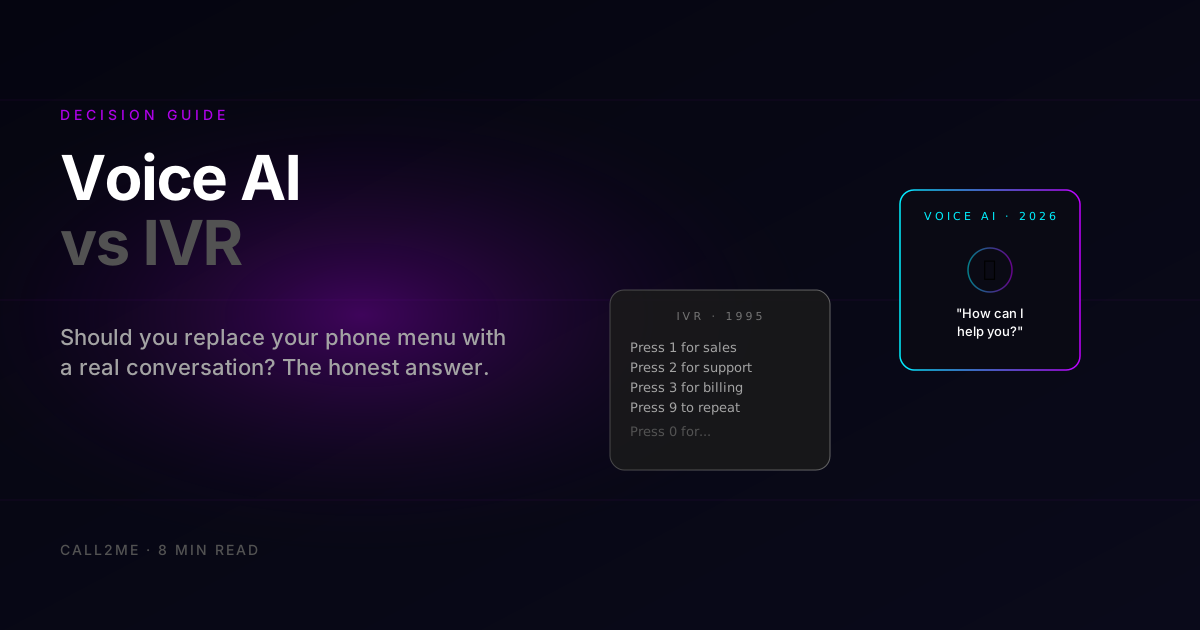 Voice AI
Voice AI vs IVR: which one should you actually use in 2026?
IVR phone menus annoy callers and lose deflection rates. Voice AI sounds human and handles the same calls for less. Here's the honest comparison — when each one still wins.
Apr 24, 20265 min Multichannel
AI agents that handle both SMS and voice from one brain
What tools let AI agents handle both SMS and voice? Why one agent and one knowledge base beats stitching separate voice and text bots together.
May 24, 20268 min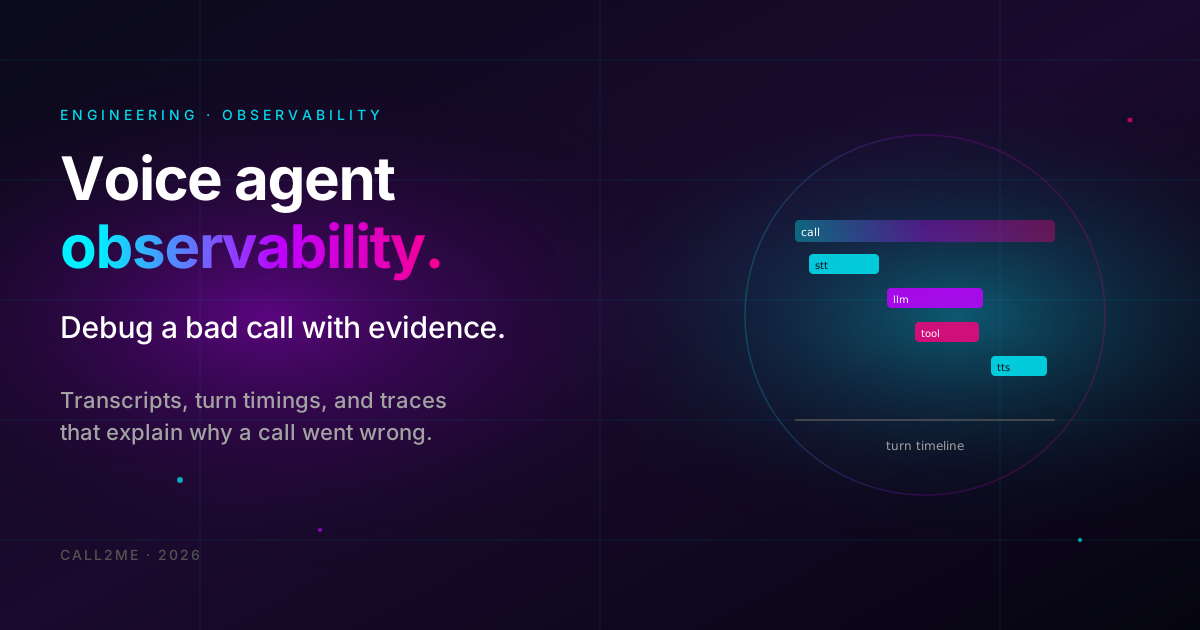 Engineering
Debug Bad Voice Agent Calls: 4 Observability Layers
Turn 'it sounded wrong' into a root cause. Capture transcripts, turn timings, tool-call traces, and recordings to debug any voice agent call.
May 19, 20265 min